


Urządzenia obsługiwane
Jedna subskrypcja obejmuje popularne platformy, dlatego wygodnie łączysz salon, biuro i podróż. Listy testujemy na łączach światłowodowych i LTE, panel rozpoznaje sprzęt przy logowaniu i proponuje właściwy profil, a gotowe pliki konfiguracyjne możesz przenieść na inne konto w rodzinie.
Amazon Fire TV
Instrukcja konfiguracji-
1
Search 'Downloader'
-
2
Install & open
-
3
Enter playlist URL
Telewizory Smart TV
Instrukcja konfiguracji-
1
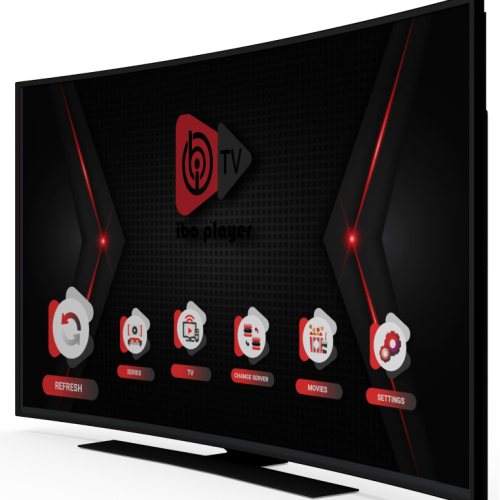
Open the TV app store (LG Content Store or Samsung Apps) and install IBO Player.
-
2
Open the app and note your MAC address and Device Key.
-
3
Go to the IBO Player website, enter your MAC and Device Key, and add your M3U or Xtream details.
-
4
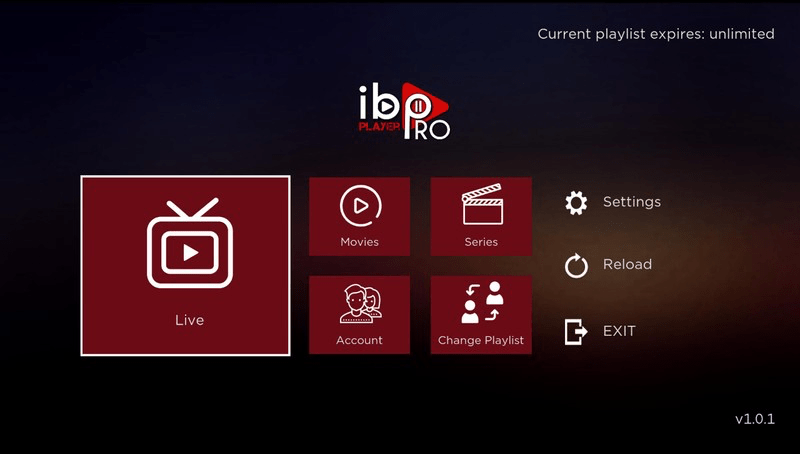
Restart the app; your IPTV playlist loads automatically. Choose 'Live', 'Movies' or 'Series'.
-
5
Alternative (Android TV): install IBO Player Pro from the Play Store and follow the same steps (Device ID/Key + playlist).
Android TV box i aplikacje
Instrukcja konfiguracji-
1
Download the IPTV Smarters Pro app from https://www.iptvsmarters.com/smarters.apk
-
2
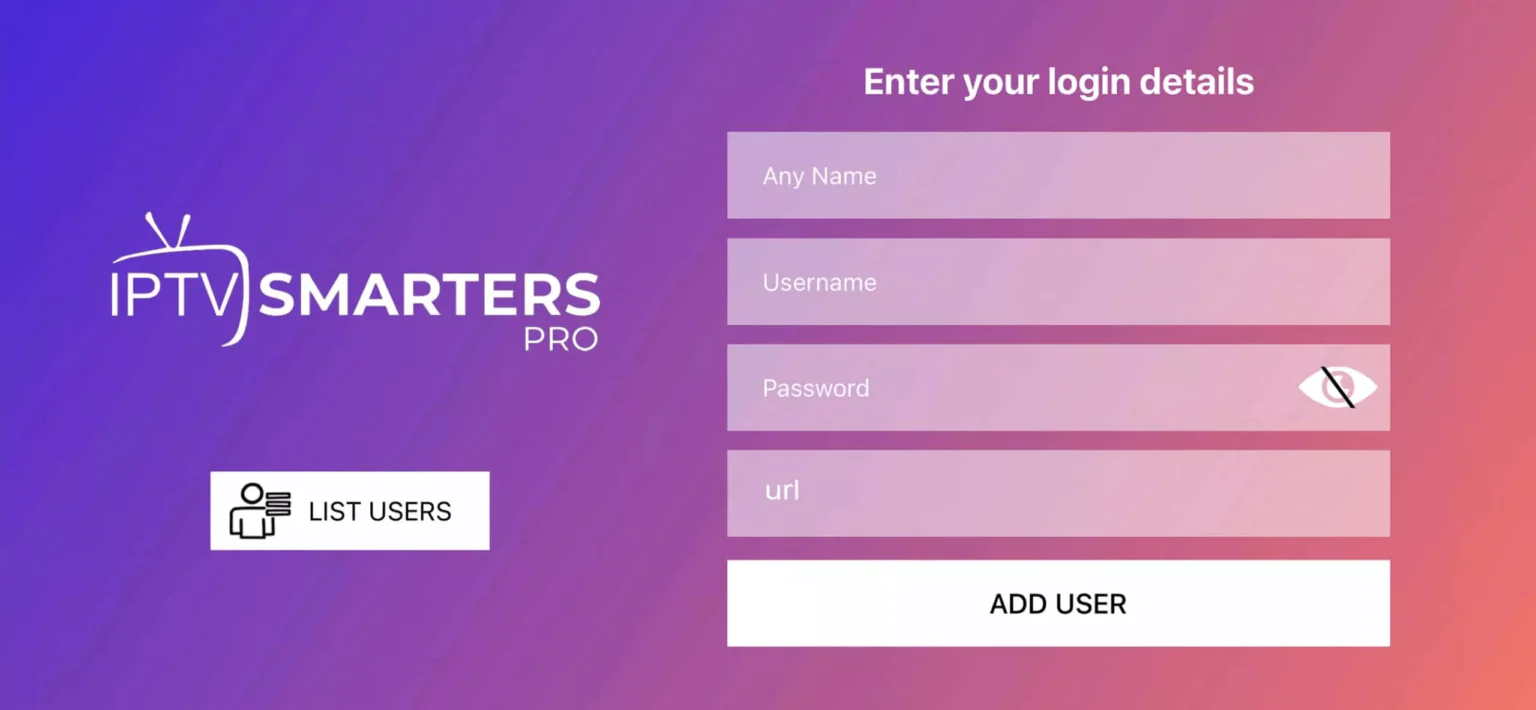
Open the app and enter the login details we sent after your order. Tap 'ADD USER'.
-
3
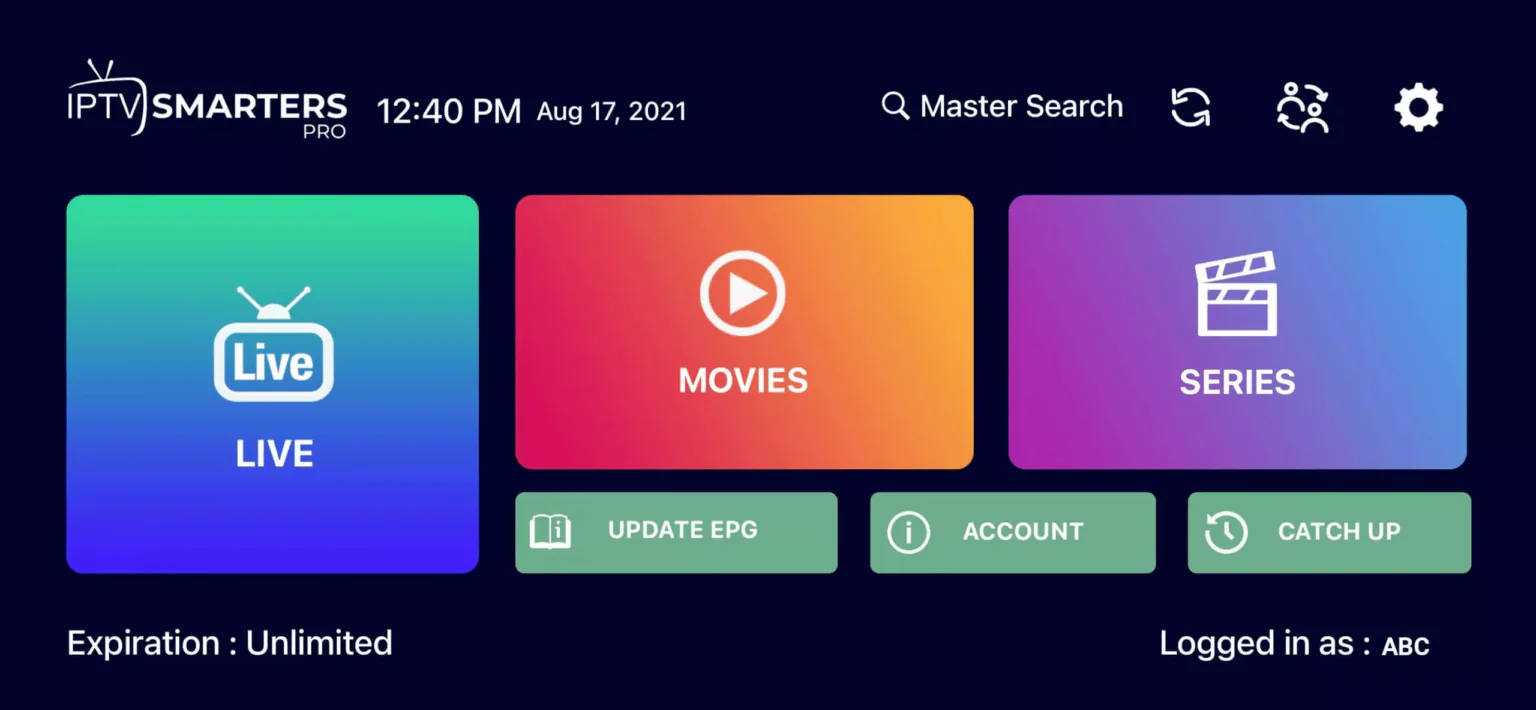
Go to 'Live TV' or 'Movies'/'Series'. Choose 'All' to see everything or pick your category.
-
4
Use the search icon in the top right to find a channel or movie quickly. Enjoy!
iPhone i iPad
Instrukcja konfiguracji-
1
Open the App Store and install IBO Player Pro.
-
2
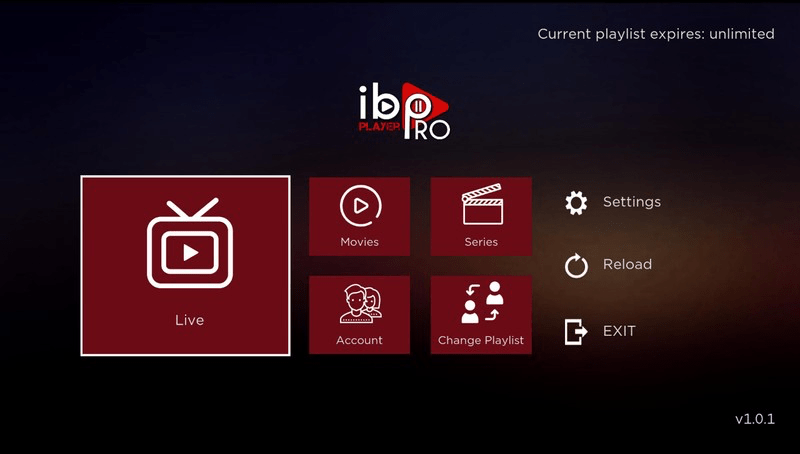
Open the app and note your Device ID and Device Key.
-
3
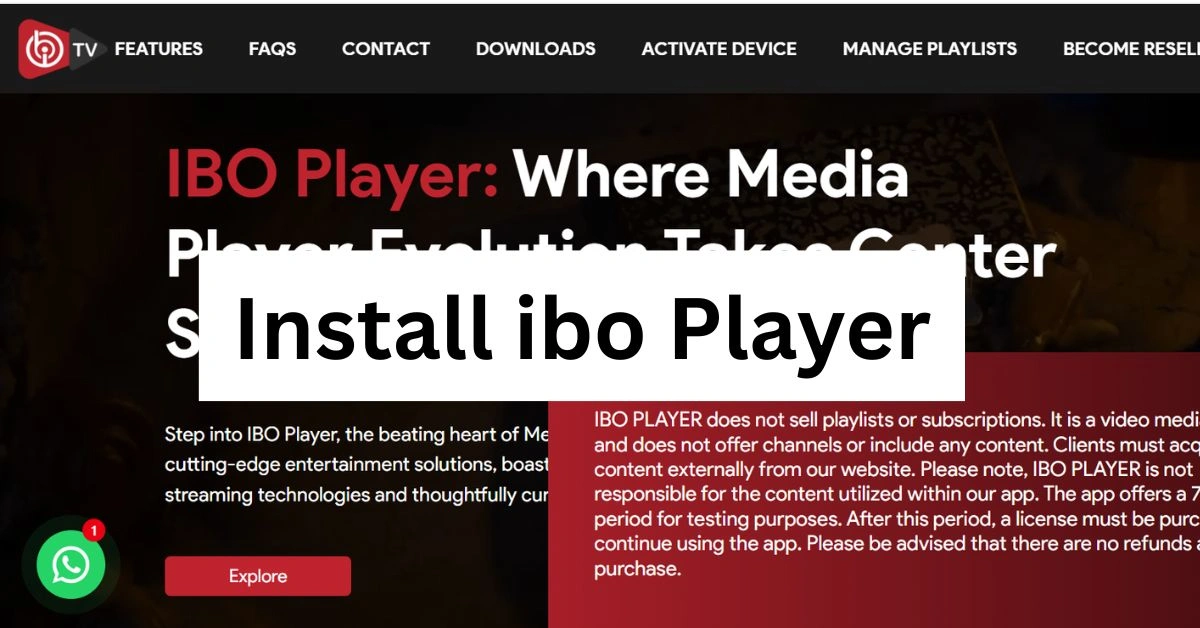
Visit the IBO Player Pro website, enter the Device ID/Key, and add your M3U or Xtream details.
-
4
Restart the app and enjoy.
MAG set-top box
Instrukcja konfiguracji-
1
Install IBO Player Pro from the Microsoft Store.
-
2
Open the app and note your Device ID and Device Key.
-
3
Go to the IBO website, enter the Device ID/Key, and add your M3U or Xtream details.
-
4
Restart the app and choose 'Live', 'Movies', or 'Series'.
Dekodery Enigma2
Instrukcja konfiguracji-
1
Open the App Store and install IBO Pro Player.
-
2
Open the app and note your Device ID and Device Key.
-
3
Visit the IBO website, link your device, and add your M3U or Xtream details.
-
4
Restart the app; your IPTV playlist loads.
MAG
Instrukcja konfiguracji-
1
On your MAG home screen, go to Settings > System Settings > Servers > Portals.
-
2
Enter Portal 1 name (example: 'Poland IPTV') and paste the portal URL we sent after purchase.
-
3
Press OK to save, then reboot the device or choose Restart Portal.
-
4
When the portal loads, sign in with your account; Live TV, Movies and Series appear automatically.
Apple TV
Instrukcja konfiguracji-
1
Open the App Store on Apple TV and install IBO Player Pro.
-
2
Launch the app and note the Device ID and Device Key displayed.
-
3
Visit the IBO Player Pro website, enter the Device ID/Key and add the M3U or Xtream login we sent.
-
4
Back on Apple TV choose Menu > Reload so the channels load instantly.
Formuler Z
Instrukcja konfiguracji-
1
Method 1: Open the MyTVOnline(2) app on your Formuler Z, choose Xtream/Portal, enter the login details we sent, and connect.
-
2
Method 2: Install IBO Player Pro from the Play Store, open the app, and note your MAC address and Device Key.
-
3
Go to the IBO website, enter the MAC/Device Key, add your M3U or Xtream details, then restart the app; your IPTV playlist loads automatically.
Chromecast
Instrukcja konfiguracji-
1
Open the Google Play Store on your Android device or Google TV and install IBO Player Pro.
-
2
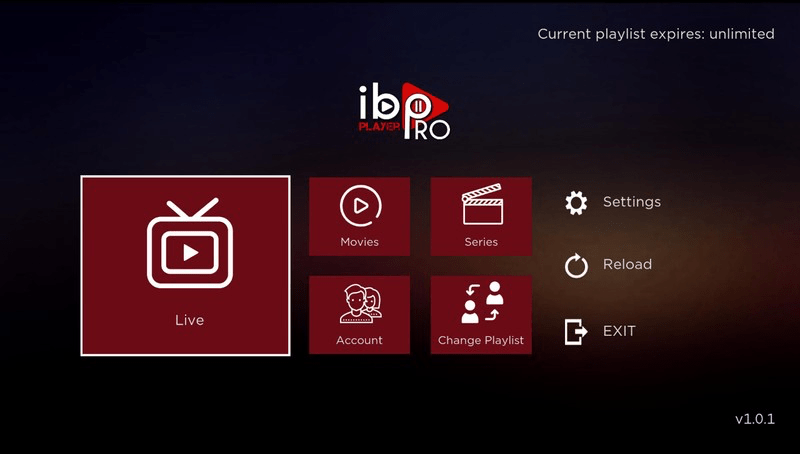
Open the app and note your Device ID and Device Key.
-
3
Visit the IBO Player Pro website and add your M3U or Xtream details with the Device ID/Key.
-
4
Restart the app; choose 'Live', 'Movies', or 'Series' and start watching.
MAY Player
Instrukcja konfiguracji-
1
On your MAY box open the Google Play Store and install IBO Player Pro.
-
2
Launch the app and note the Device ID and Device Key on screen.
-
3
Go to the IBO Player Pro website, enter the Device ID/Key and paste the playlist credentials we emailed.
-
4
Return to the app, choose Reload or reboot the box and the Live, Movies and Series tabs will populate.
Roku TV
Instrukcja konfiguracji-
1
Open the Roku Channel Store and search for 'IPTV Smarters'.
-
2
Install the channel, launch it and accept the permissions.
-
3
Choose 'Load Your Playlist or File/URL' and enter the Xtream or M3U details we provided.
-
4
Save the profile; after a short sync the Live, Movies and Series menus appear.
Smart TV
Instrukcja konfiguracji
Wkrótce — ten przewodnik zostanie dodany dla Twojego języka.
Windows / Mac
Instrukcja konfiguracji
Wkrótce — ten przewodnik zostanie dodany dla Twojego języka.
Instalacja IPTV: szybkie odpowiedzi
Skrócony przewodnik dla popularnych urządzeń. Pełne instrukcje są dostępne w każdej zakładce powyżej.
-
Jak zainstalować IPTV na Amazon Fire TV?
Search 'Downloader' Install & open Enter playlist URL