


Supported Devices
One subscription covers popular platforms, so you can easily connect living room, office, and travel. We test playlists on fiber and LTE connections, the dashboard recognizes your device at login and suggests the right profile, and you can transfer config files to another family account.
Amazon Fire TV
Setup instructions-
1
Search 'Downloader'
-
2
Install & open
-
3
Enter playlist URL
Smart TVs
Setup instructions-
1
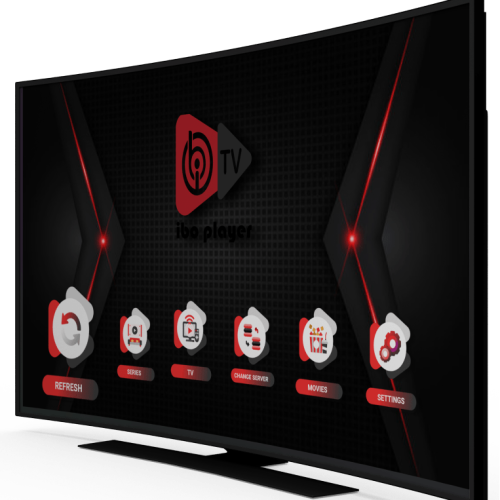
Open the TV app store (LG Content Store or Samsung Apps) and install IBO Player.
-
2
Open the app and note your MAC address and Device Key.
-
3
Go to the IBO Player website, enter your MAC and Device Key, and add your M3U or Xtream details.
-
4
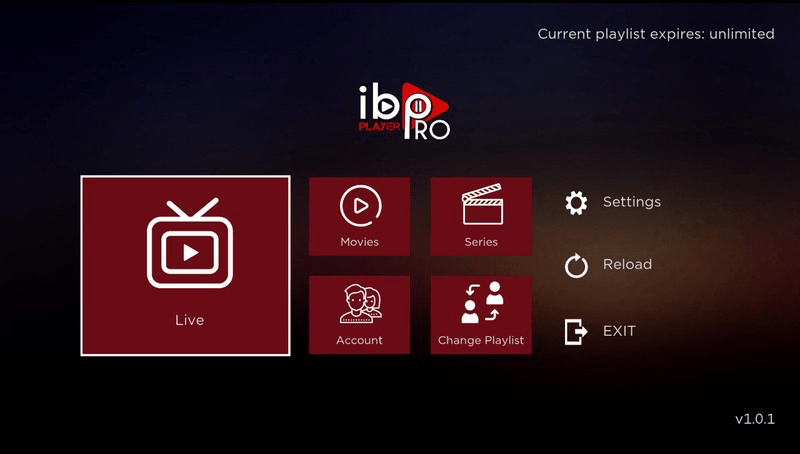
Restart the app; your IPTV playlist loads automatically. Choose 'Live', 'Movies' or 'Series'.
-
5
Alternative (Android TV): install IBO Player Pro from the Play Store and follow the same steps (Device ID/Key + playlist).
Android TV box and apps
Setup instructions-
1
Download the IPTV Smarters Pro app from https://www.iptvsmarters.com/smarters.apk
-
2
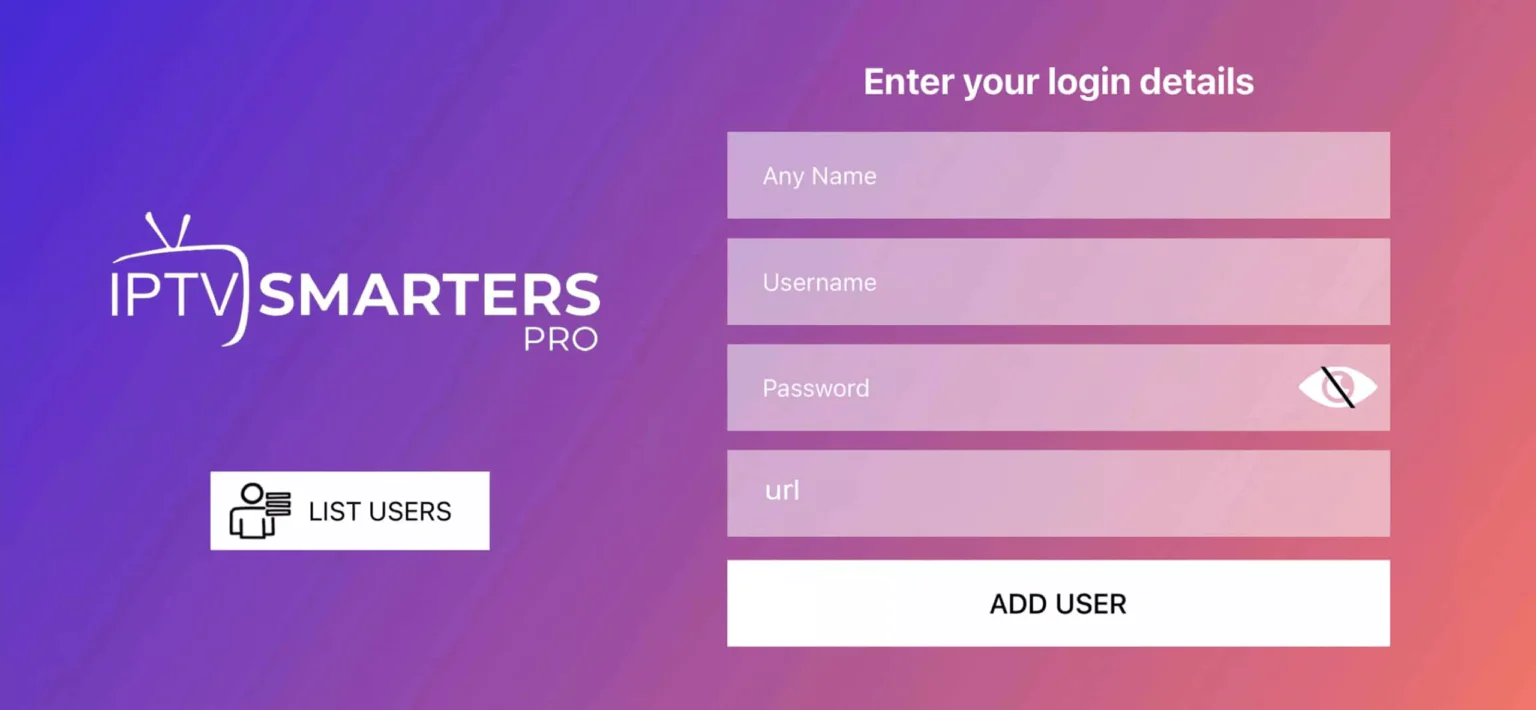
Open the app and enter the login details we sent after your order. Tap 'ADD USER'.
-
3
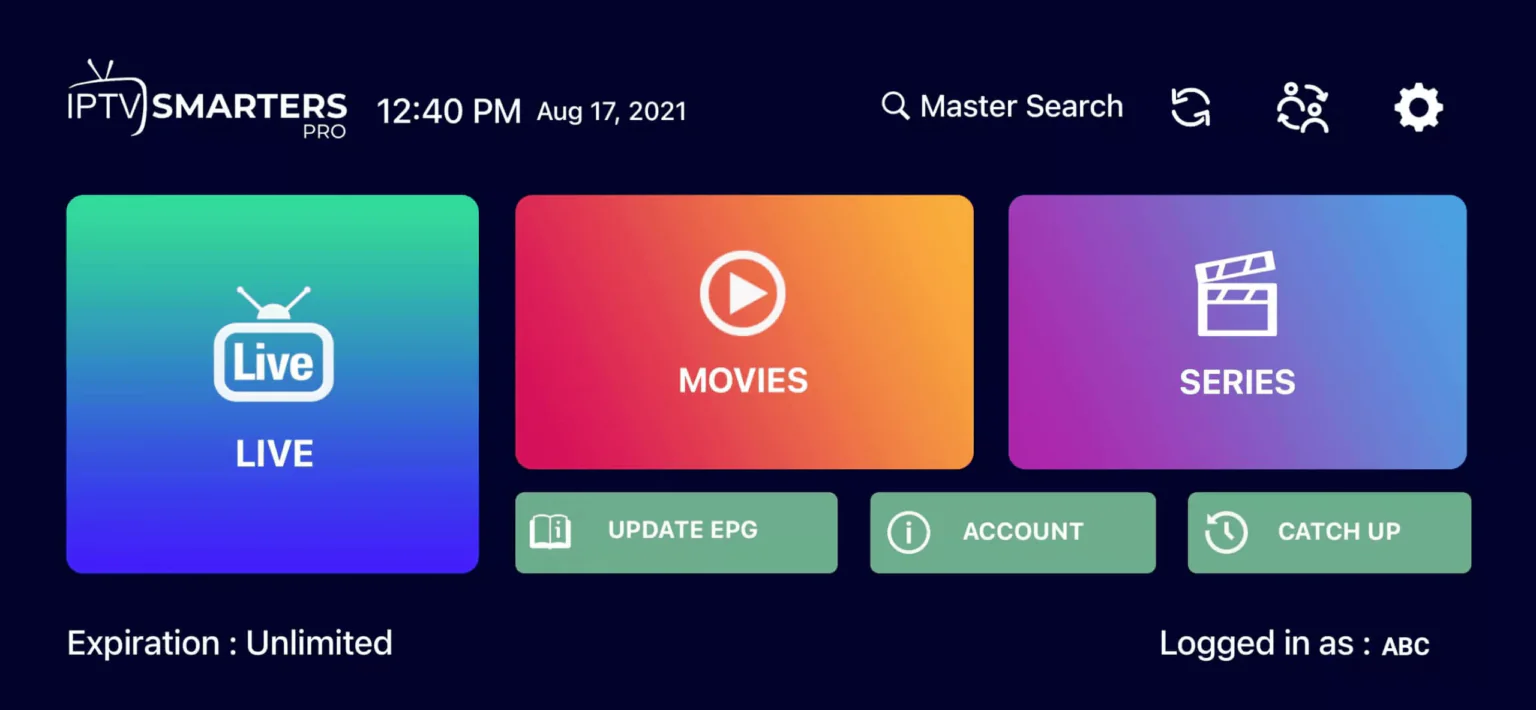
Go to 'Live TV' or 'Movies'/'Series'. Choose 'All' to see everything or pick your category.
-
4
Use the search icon in the top right to find a channel or movie quickly. Enjoy!
iPhone and iPad
Setup instructions-
1
Open the App Store and install IBO Player Pro.
-
2
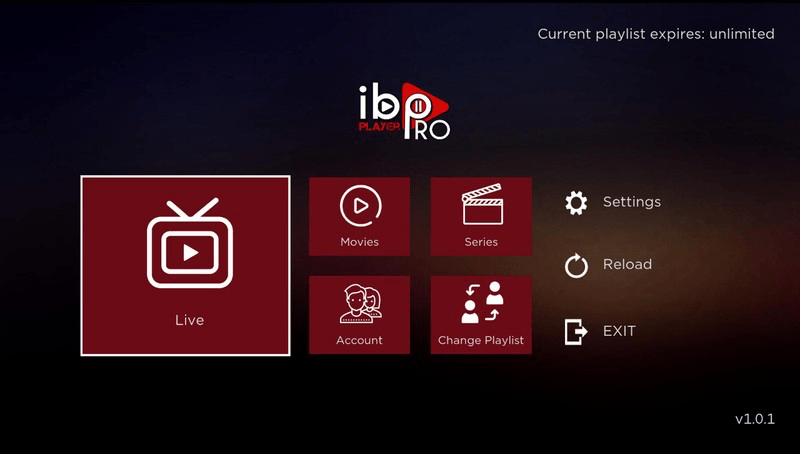
Open the app and note your Device ID and Device Key.
-
3
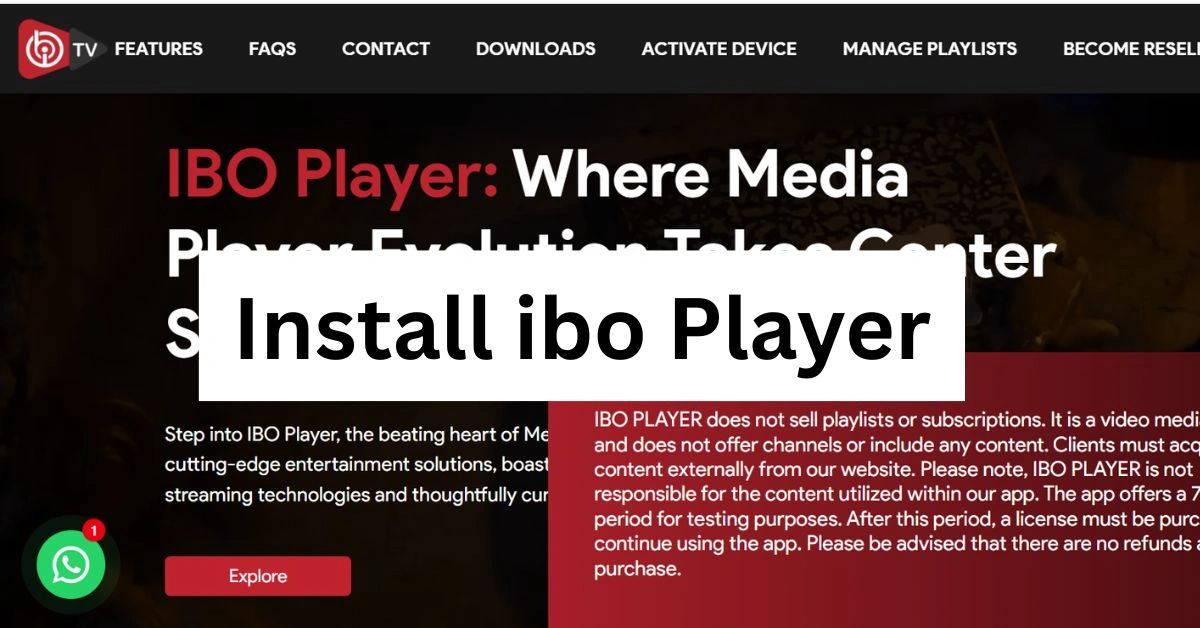
Visit the IBO Player Pro website, enter the Device ID/Key, and add your M3U or Xtream details.
-
4
Restart the app and enjoy.
MAG set-top box
Setup instructions-
1
Install IBO Player Pro from the Microsoft Store.
-
2
Open the app and note your Device ID and Device Key.
-
3
Go to the IBO website, enter the Device ID/Key, and add your M3U or Xtream details.
-
4
Restart the app and choose 'Live', 'Movies', or 'Series'.
Enigma2 receivers
Setup instructions-
1
Open the App Store and install IBO Pro Player.
-
2
Open the app and note your Device ID and Device Key.
-
3
Visit the IBO website, link your device, and add your M3U or Xtream details.
-
4
Restart the app; your IPTV playlist loads.
MAG
Setup instructions-
1
On your MAG home screen, go to Settings > System Settings > Servers > Portals.
-
2
Enter Portal 1 name (example: 'Poland IPTV') and paste the portal URL we sent after purchase.
-
3
Press OK to save, then reboot the device or choose Restart Portal.
-
4
When the portal loads, sign in with your account; Live TV, Movies and Series appear automatically.
Apple TV
Setup instructions-
1
Open the App Store on Apple TV and install IBO Player Pro.
-
2
Launch the app and note the Device ID and Device Key displayed.
-
3
Visit the IBO Player Pro website, enter the Device ID/Key and add the M3U or Xtream login we sent.
-
4
Back on Apple TV choose Menu > Reload so the channels load instantly.
Formuler Z
Setup instructions-
1
Method 1: Open the MyTVOnline(2) app on your Formuler Z, choose Xtream/Portal, enter the login details we sent, and connect.
-
2
Method 2: Install IBO Player Pro from the Play Store, open the app, and note your MAC address and Device Key.
-
3
Go to the IBO website, enter the MAC/Device Key, add your M3U or Xtream details, then restart the app; your IPTV playlist loads automatically.
Chromecast
Setup instructions-
1
Open the Google Play Store on your Android device or Google TV and install IBO Player Pro.
-
2
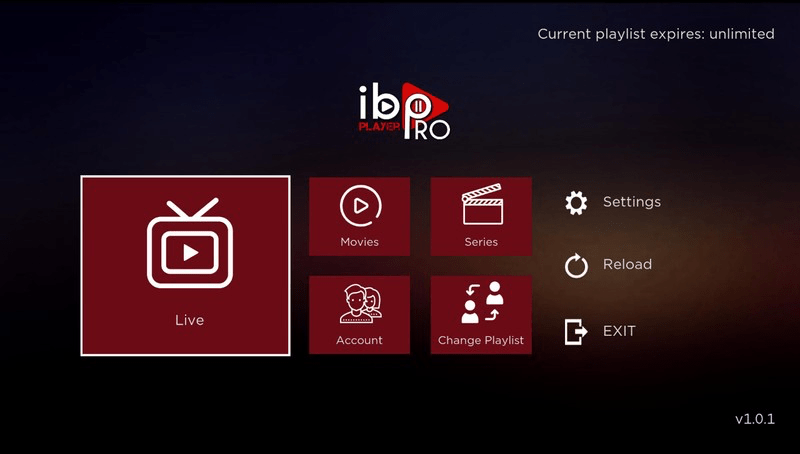
Open the app and note your Device ID and Device Key.
-
3
Visit the IBO Player Pro website and add your M3U or Xtream details with the Device ID/Key.
-
4
Restart the app; choose 'Live', 'Movies', or 'Series' and start watching.
MAY Player
Setup instructions-
1
On your MAY box open the Google Play Store and install IBO Player Pro.
-
2
Launch the app and note the Device ID and Device Key on screen.
-
3
Go to the IBO Player Pro website, enter the Device ID/Key and paste the playlist credentials we emailed.
-
4
Return to the app, choose Reload or reboot the box and the Live, Movies and Series tabs will populate.
Roku TV
Setup instructions-
1
Open the Roku Channel Store and search for 'IPTV Smarters'.
-
2
Install the channel, launch it and accept the permissions.
-
3
Choose 'Load Your Playlist or File/URL' and enter the Xtream or M3U details we provided.
-
4
Save the profile; after a short sync the Live, Movies and Series menus appear.
Smart TV
Setup instructions
Coming soon — this guide will be added for your language.
Windows / Mac
Setup instructions
Coming soon — this guide will be added for your language.
IPTV Installation: Quick Answers
Condensed guide for popular devices. Full instructions are available in each tab above.
-
How to install IPTV on Amazon Fire TV?
Search 'Downloader' Install & open Enter playlist URL